
For Property Owners
How Resorts and Clubs Can Show Up for 'Swimming Pool Near Me' on Google Maps
By Bookaday Editorial Team · Published · 8 min read
On this page
Quick summary
- Google ranks local results on three factors: relevance, distance and prominence. Google says there is no way to pay for a better local ranking.
- A complete, verified Google Business Profile for hotels, resorts and clubs (with the right category, attributes, photos and accurate details) is the foundation for "near me" searches.
- Google's guidelines say hotels should not list opening hours, and categories should describe what a business is, not its amenities. Describe day-visit pool access honestly in your description, posts and photos instead.
- Ask for genuine reviews after day visits, but never offer incentives, filter for happy guests, or set staff review quotas; Google prohibits all three.
- Pair your Google profile with discovery listings, such as Bookaday, that explain day packages in detail.
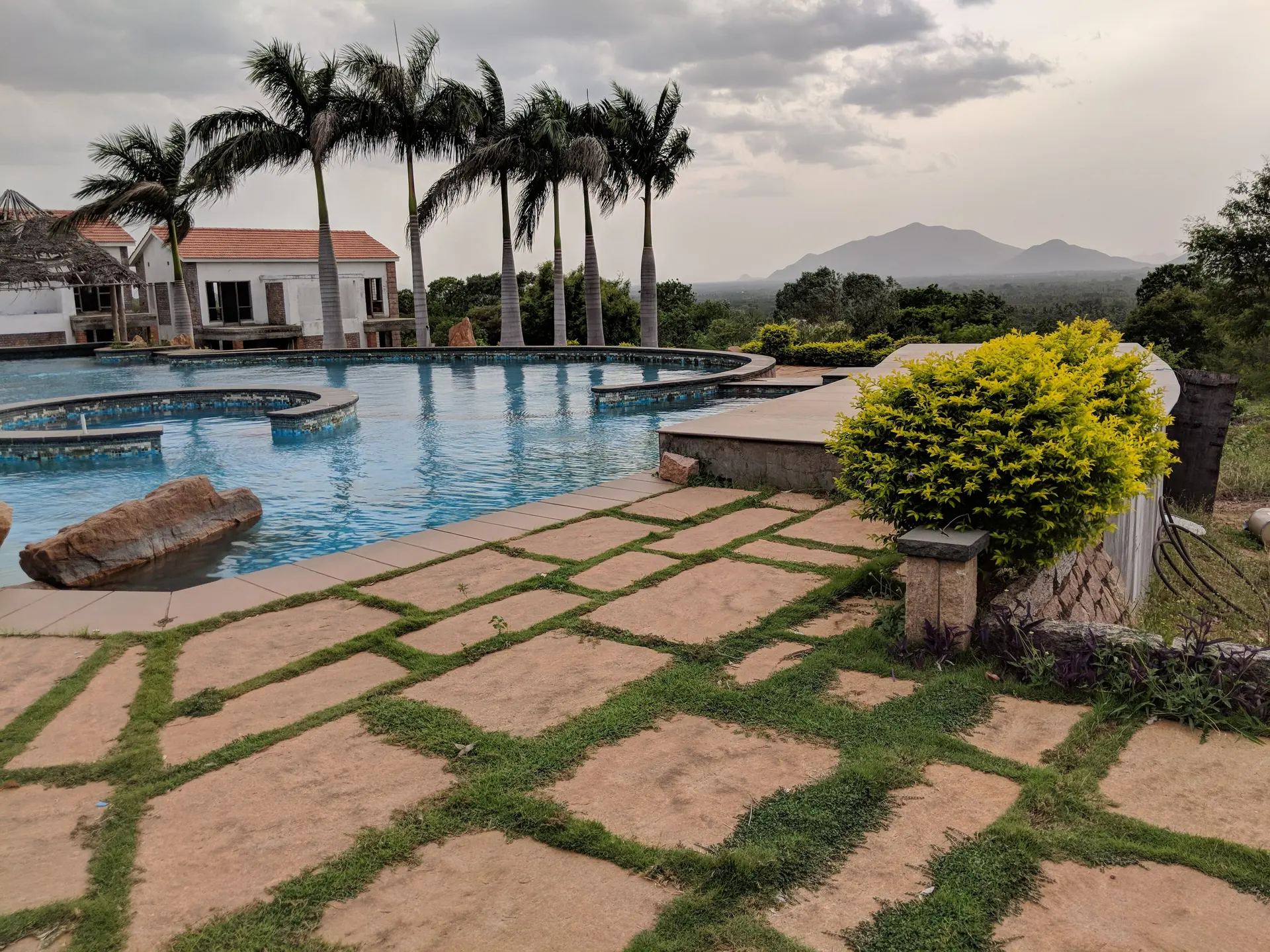
A Google Business Profile for hotels, resorts and clubs decides whether you appear when a family nearby searches "swimming pool near me" or "resort near me for one day picnic". This guide explains how Google ranks local results, how to set up categories, hours and photos within Google's rules, how to describe day-visit pool access honestly, and how to collect genuine reviews. It ends with how discovery listings fill the gaps. To list your property, apply on Bookaday's Get listed page.
Why do "near me" and "open now" searches decide who gets the call?
People searching "near me" usually want to go today and contact one of the top few results. Google decides those results mainly on relevance (how well your profile matches the search), distance (how close you are to the searcher) and prominence (how well known you are, including reviews and links).
| Factor | What it means | What you control |
|---|---|---|
| Relevance | How well your profile matches the search | Category, description, attributes, photos |
| Distance | How far you are from the searcher | Accurate address and map pin |
| Prominence | How well known you are | Reviews, replies, links from other websites |
Google says complete, accurate information, verification, reviews and photos help, and that ranking cannot be bought.
How do you set up a Google Business Profile for hotels, resorts and clubs?
Create or claim the profile, verify it, then fill in every field accurately. Verification shows Google you are authorised to represent the business, and Google says verified businesses are more likely to appear. Photos and videos only appear after verification.
- Name: use your real-world name exactly as on your signboard and website. Google does not allow taglines, keywords, locations or phone numbers in the name, so "[Your Resort Name]" is fine, "Best Resort With Pool in Ahmedabad" is not.
- Address and pin: use your precise physical address; if there is no street number, pin the location on the map.
- Phone: a local number answered during day-visit hours, not a call centre.
- Website: link your own site or a page that clearly explains day packages.
- Description: describe your property, pool and day options in plain language; Google does not allow promotional pricing, sales language or links in the description.
Which categories and attributes should you choose?
Choose the fewest, most specific categories that describe what your business is, not what it has. Google's guidelines say categories should not be used as keywords or to describe amenities, so a resort with a pool should not add "Swimming pool" just because it has one. Use attributes and photos to show amenities instead.
Google allows a separate profile for a publicly facing department only when it operates as a distinct entity, typically with a separate customer entrance, a different name and a distinct primary category. A pool area inside a resort usually does not qualify.
How should you show hours for day visits?
Be careful here. Google's guidelines list hotels among businesses that should not show regular opening hours, because they work on check-in and check-out rather than set hours. A resort's day-visit window therefore belongs in your description, posts and website, not in the hours field. Businesses that do list hours can use special hours for holidays and seasonal changes.
- If you are a hotel or resort: describe day packages and their timings in the description and in regular posts, and keep them consistent with your website and listings.
- If you run a stand-alone pool or club with fixed public hours: list regular hours, use special hours for festivals and maintenance, and update before every change.
Which photos help day visitors decide?
Upload real photos of everything day visitors use. Google asks for photos that are in focus, well lit and represent reality, without heavy filters or AI edits, in JPG or PNG between 10 KB and 5 MB, ideally 720 by 720 pixels or larger.
| Photo type | Google's suggestion | For day visitors, show |
|---|---|---|
| Exterior | 3 photos, from each approach | Entrance and parking |
| Common areas | 1 of each area, such as a spa or gym | Pool, kids' pool, lawns, games area |
| Food and drink | 3 photos of popular items | Lunch buffet or thali |
| Interior | 3 photos | Changing rooms, dining hall |
How do you collect genuine reviews after day visits?
Ask every day visitor, politely and without pressure, to leave an honest review, and reply to all reviews, good and bad. Google's policies prohibit incentives such as discounts or free items for reviews, selectively asking only happy guests, pressuring guests on the premises, and setting staff quotas for reviews.
Do
- Share a review link on WhatsApp after the visit, with a simple thank-you.
- Reply to every review within a few days, thanking guests and addressing problems calmly.
Don't
- Offer a discount, free snack or any incentive for a review.
- Ask only guests who seemed happy.
- Ask staff, family or friends to review the property; Google treats these as conflicts of interest.
- Ask for specific content, such as a staff member's name.
How do Google and discovery listings work together?
Google gets you found; a detailed listing gets you chosen. A Google profile has limited space for packages and pool rules, while discovery listings such as Bookaday show package windows, meals and facilities, then send inquiries straight to you.
| Channel | Best at | Keep consistent |
|---|---|---|
| Google Business Profile | Being found nearby, reviews, directions | Name, address, phone, photos |
| Your website | Full details and policies | Package names and timings |
| Discovery listing (Bookaday) | Explaining day packages and pool access | Inclusions, timings, facilities |
Keep the same name, address, phone, package names and timings everywhere. Bookaday shows no prices and takes no bookings. See how listings look on the swimming pools page.
Get listed where day-out searchers look
If your resort, club or farmhouse welcomes day visitors, apply on Bookaday's Get listed page; guests contact you directly through WhatsApp or a call request.
FAQs
Create or claim your profile, verify it, and fill in your real-world name, precise address, phone, website, category, attributes, description and photos. Google says verified profiles with complete, accurate information are more likely to appear in local results. Photos appear only after verification.
Add your business through Google Business Profile, enter the exact physical address or drop a pin if there is no street number, choose the most specific category for what your business is, and complete verification. Keep your name exactly as on your signboard, without keywords or locations.
Ask every guest after their visit, for example with a review link on WhatsApp, and reply to all reviews. Google prohibits offering incentives for reviews, asking only happy guests, pressuring guests on the premises and setting staff review quotas, so keep requests genuine and open to everyone.
Google's guidelines list hotels among businesses that should not show regular opening hours. Describe day-visit pool timings in your description, posts and website instead. A stand-alone public pool with its own entrance, staff and category may qualify for a separate profile with its own hours.
Usually not. Google says categories should describe what your business is, not what it has, and should not be used as keywords or for amenities. Show your pool through attributes, photos, your description and posts. A separate pool facility may qualify only if it operates as a distinct entity.
Sources
- Google Business Profile Help: Tips to improve your local ranking on Google (opens in a new tab)
- Google Business Profile Help: Guidelines for representing your business on Google (opens in a new tab)
- Google Business Profile Help: Photo guidelines (opens in a new tab)
- Google Maps user contributed content policy: Fake engagement (opens in a new tab)